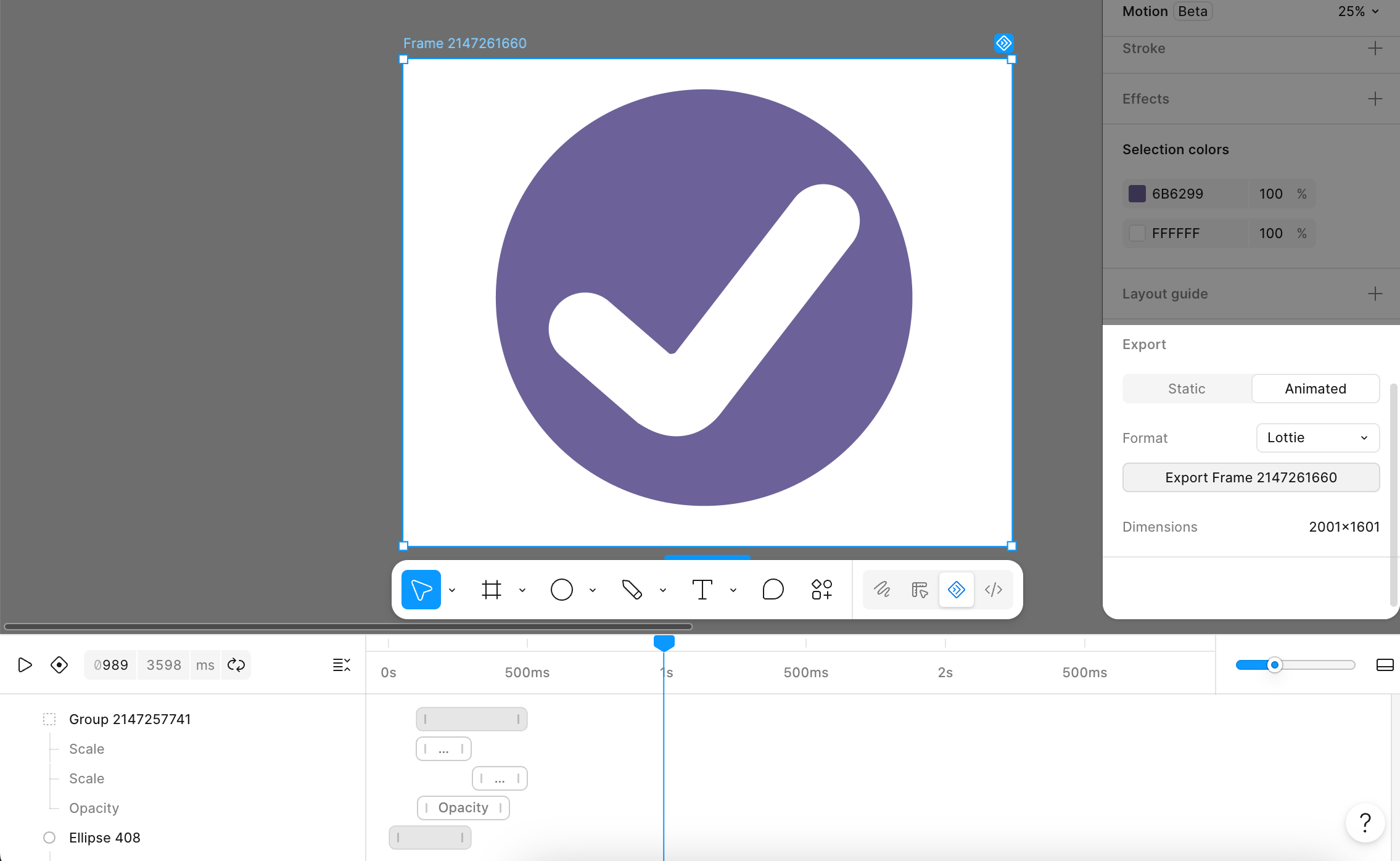
Figma Motion, the timeline Figma added to the canvas at Config in June, got a substantial update on September 30. It’s still an open beta, but the new pieces are the ones teams kept asking for: animation styles you can define once and reuse, audio on the timeline, finer text animation, and Lottie export.
What changed
Per Figma’s release notes, there are four main additions:
- Custom animation styles. You can now save your own style with custom easing, duration, and variable-backed properties, then publish it to a library so every file draws from the same set. At launch, Figma only offered built-in presets like fade, move, and scale, and its launch post listed custom styles as coming soon.
- Audio on the timeline. You can trim, split, and reposition audio alongside your animation, and it comes along when you export MP4 or WebM.
- Text animation by character, word, or line. Text stays editable after you animate it. Figma’s help docs still list text animation styles as coming soon, so expect them to catch up.
- Lottie and dotLottie export. Before this, the usual route to Lottie was the LottieFiles plugin, which added Figma Motion support of its own.
Figma also says animation styles can be applied automatically by the Figma agent and by coding agents through MCP or Skills.
Why it matters for designers
Publishable styles are the big one. Interface motion tends to drift because every designer picks their own easing and duration. Putting those decisions in a library, backed by variables, treats motion like color and type: a shared system rather than a per-file judgment call. If your team already keeps tokens in Figma variables, motion can now sit in the same system.
Native Lottie export closes the gap between what you design and what ships in apps that already use Lottie, with one less plugin in the chain. And audio means you can cut a short product demo or social clip without leaving Figma for a video editor, as long as the edit stays simple.
What to watch out for
It’s a beta, and Figma says features may change and performance may suffer. Don’t build a production pipeline around exact export behavior yet, and check exported Lottie files in the player your developers actually use before handing them off.
The agent and MCP angle is promising but sparse on detail. The release notes say agents can apply animation styles, not how much control you get over the result, so treat it as something to try rather than something to rely on.
Plan details for the new features aren’t spelled out in the update itself: see the sidebar.